

We unleash your laptop’s full potential by maximizing performance, reliability, and innovation through expert repair services.
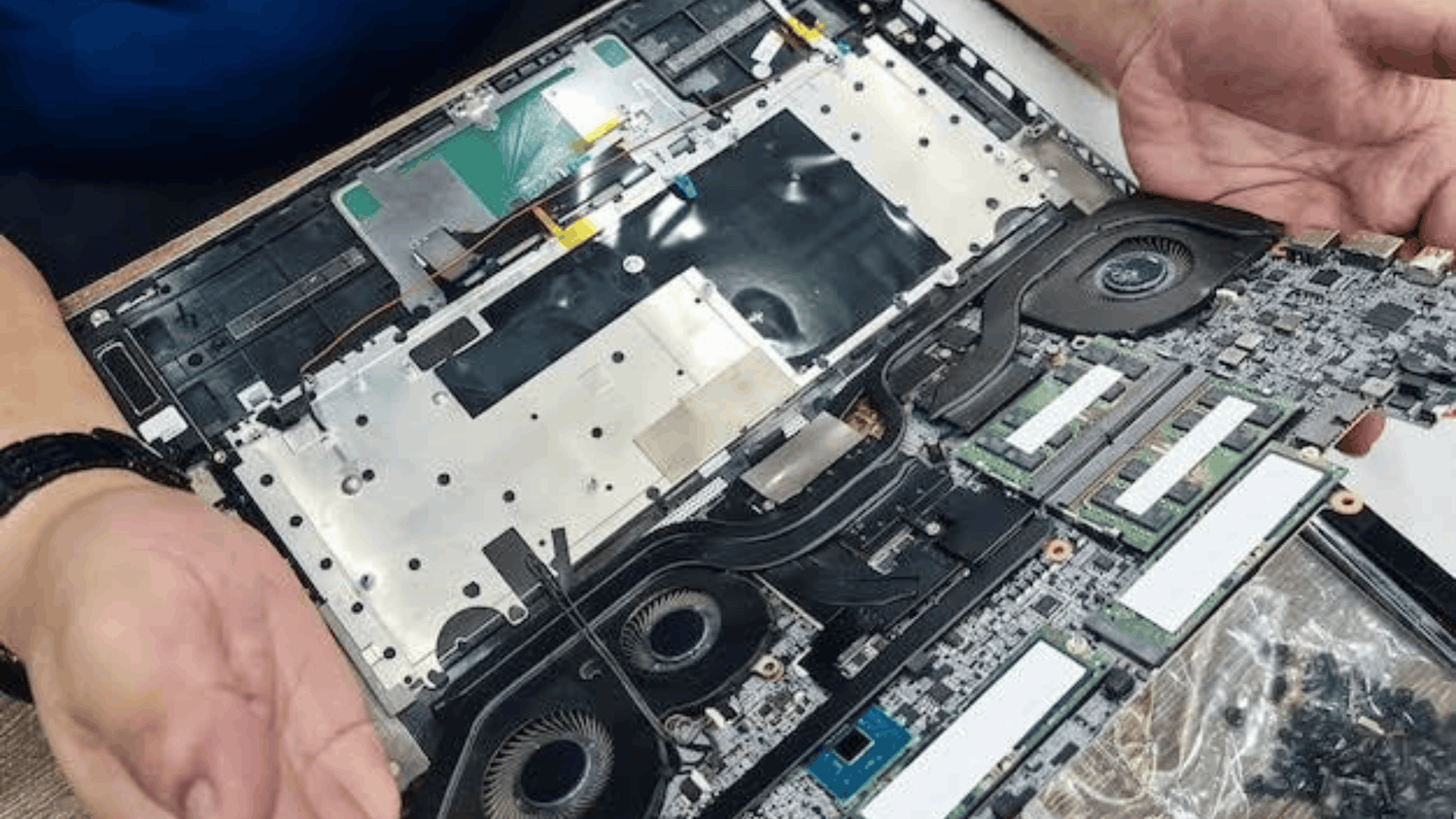
Dell Laptop Motherboard Repair in Kirti Nagar
AS Laptop Service Centre provides professional Dell Laptop Motherboard Repair in Kirti Nagar for customers experiencing laptop power failures, startup errors, charging problems, and other hardware-related issues. The motherboard is one of the most important components of a laptop because it connects and controls essential internal parts. When the motherboard develops a fault, your Dell laptop may fail to start, shut down unexpectedly, or experience problems with connected components. Our technicians inspect the device to identify the possible cause and recommend suitable repair solutions based on its condition.
Our Dell Laptop Motherboard Repair Services Include:
➤ Motherboard Fault Diagnosis: Identifying possible motherboard problems, damaged components, and electrical faults.
➤ Laptop Power Issue Repair: Troubleshooting Dell laptops that do not switch on or experience unexpected shutdowns.
➤ Charging Circuit Repair: Inspecting charging-related motherboard faults that may prevent proper battery charging.
➤ IC and Component Repair: Assessing damaged integrated circuits and other motherboard components for possible repair.
➤ Short Circuit Troubleshooting: Checking for electrical shorts that may affect laptop functionality.
➤ Display-Related Motherboard Diagnosis: Investigating motherboard faults that may cause display output problems.
➤ Laptop Overheating Diagnosis: Inspecting heat-related issues that may affect motherboard performance.
➤ BIOS and Startup Troubleshooting: Assistance with certain BIOS errors and startup-related problems.
➤ Motherboard Replacement Guidance: Recommending replacement when the existing motherboard cannot be repaired economically.
If you are searching for reliable Dell Laptop Motherboard Repair in Kirti Nagar, AS Laptop Service Centre can help assess your laptop's technical issues. We focus on careful inspection, transparent communication, and appropriate repair recommendations. Contact our team to discuss your Dell laptop problem and determine the next steps.